How it works

From a seat back to a place to belong

Here is the whole thing, in the order a guest and your staff actually live it.

Start to finish

Eight steps, one system

The first two happen in the seat. The rest happen on your side, in VISTA.

One

A code on the seat

A QR code on the seat back, the bulletin or the tag you already print.

Two

New Here

A short welcome in your colors. Name, number, how they heard.

Three

An owner and a clock

Every guest lands on the New Here list with someone responsible for them.

Four

The first touch

A text from your church's number, personal to them.

Five

The path

Eight stages from new guest to home. The board shows who is stuck.

Six

Your vision, then serving

Honest questions and three teams that fit.

Seven

A group that fits

The finder matches their season and their week.

Eight

Placed

Your staff places them. The leader knows who is coming.

VISTA

Built for the phone in the lobby

Guests use their own phone in the seat. Your team uses VISTA on a phone in the lobby or a laptop in the office. Nobody installs anything.

One person carries everything on one record: New Here, the path, serving, groups and every text. Planning Center works both ways. Students under 18 are handled carefully.
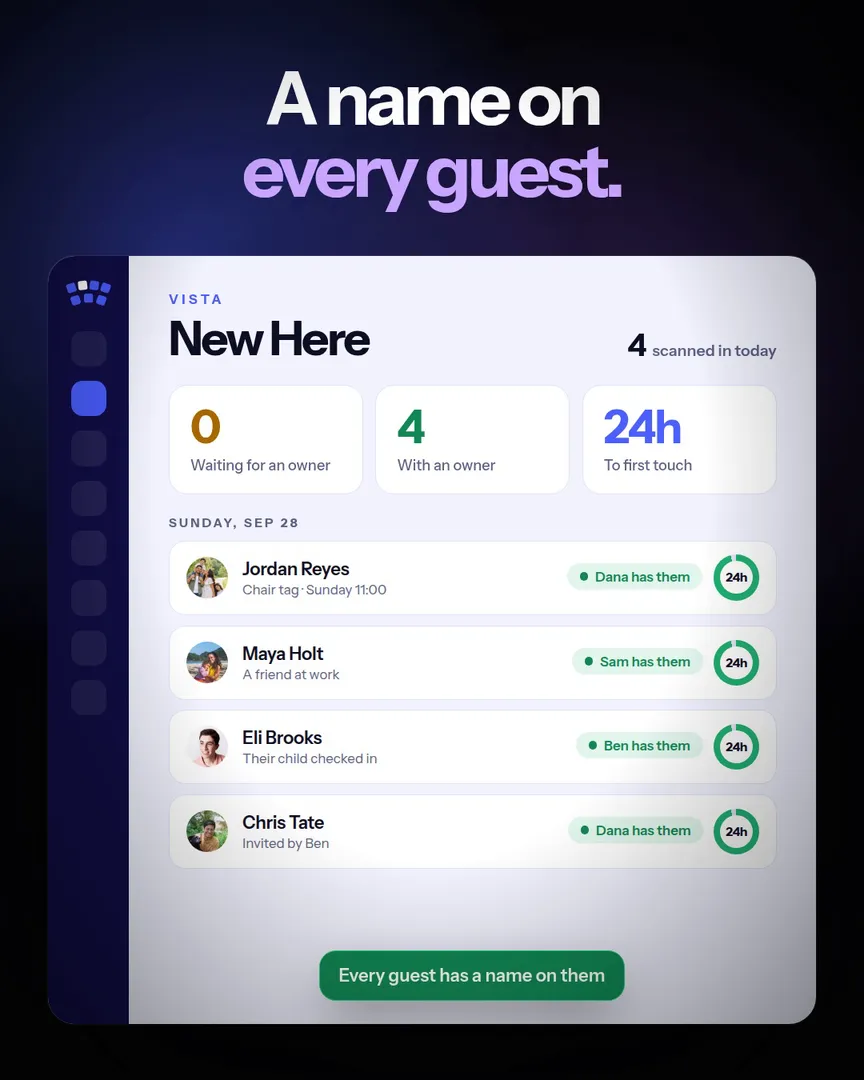
The New Here list in VISTA

All of it

Everything in VISTA

Every feature comes in every plan, at one price.

Guests

New Here

A two minute welcome from the seat, in your colors.

Sundays

Tap in

People tap in each week, and every service is counted.

Families

Kids

Every kid with their parent, birthdays and postcards included.

People

Ask VISTA

Ask for who you want in plain words.

The path

Eight stages

See who is moving and who has stalled.

Leaders

Today

Each leader opens to their people and their day.

Texting

Personal texts

A group text where each person gets their own.

Serving

Ministry Safe

Checks tracked, and a link sent before one expires.

Placement

Serving and groups

Three teams that fit, and a group for their week.

Calendar

Your church calendar

Events from Planning Center, birthdays and who is serving.

Email

Newsletter

Newsletter, Impact Report and End of year, with who opened it.

Planning Center

Both ways

Workflow cards, leaders and check ins go back.

Giving

Who gives

Notice who is slipping away while there is still time.

Staff

Projects and tasks

Every task has an owner everybody can see.

Team

Hand offs

Hand someone on and the new owner hears right away.

Owners

Assign in one press

Everyone without an owner gets a suggested one, and why.

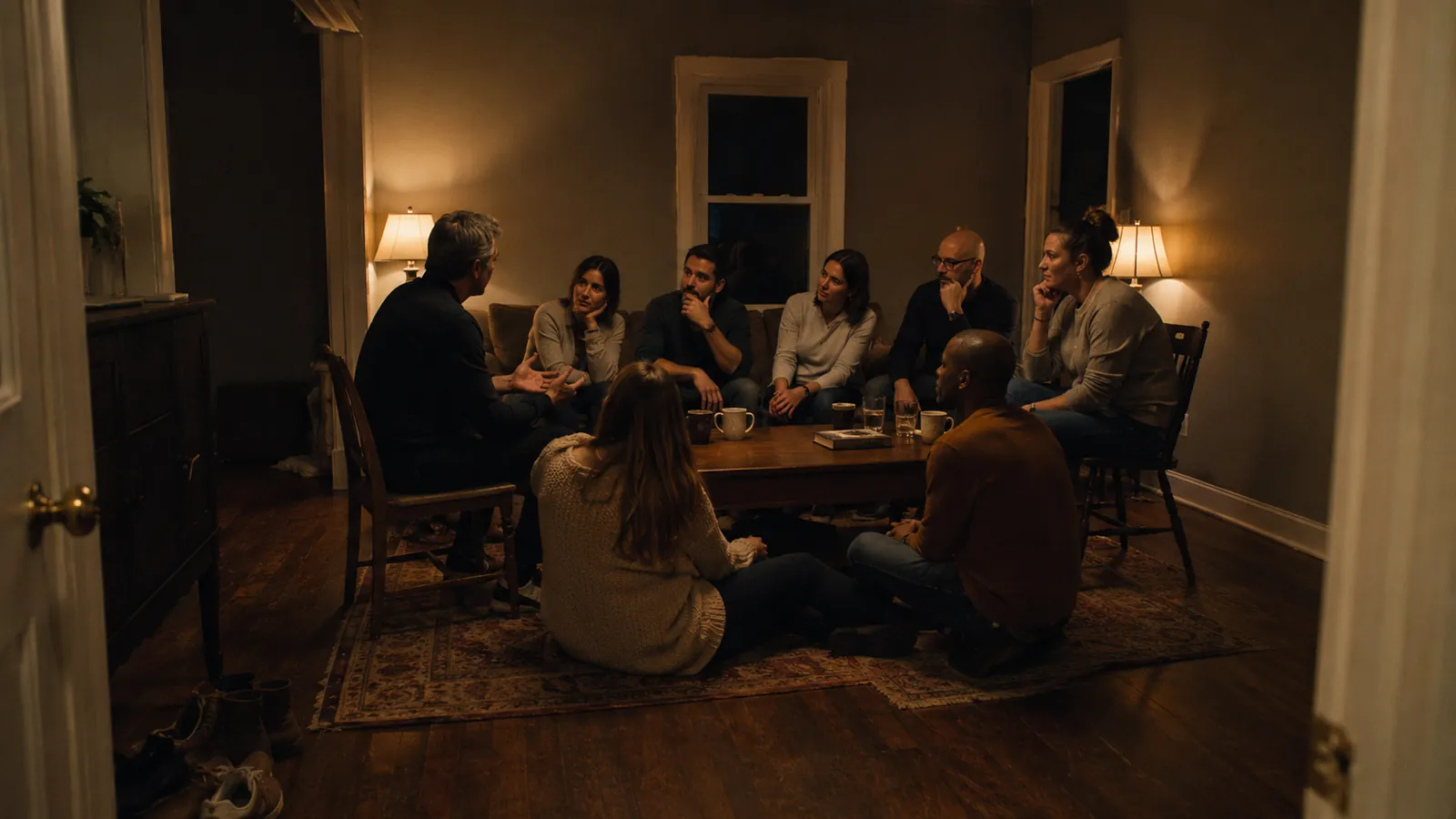
A small group meeting in a living room

Launch

What launch looks like

A launch is a build, not a login. We set up your ministries and positions, load your groups, put your mark on the welcome, make your codes, and train your team.

Then it is yours, with your name on it, monthly or owned outright.

Questions churches ask

How long does a launch take?

It depends on how fast your staff can sit down for the conversations that matter: your vision words and what each position needs. We put a date on it on the first call.

Do we need Planning Center?

No. VISTA works both ways with it if you have it and runs on its own if you do not.

What do our leaders have to learn?

A list, a clock and a next step. Leaders see their people; staff see everyone.

Can we see it before we talk?

Yes. The home page plays the whole thing, and the VISTA demo runs on sample data.

Watch the whole thing on the home page

Then book fifteen minutes and we will talk about yours.