Planning Center
VISTA reads your Planning Center people, links each guest to the record they already have, and sends your staff's work back.
The link
Every church tool that touches Planning Center eventually creates a duplicate person: one phone number and eight years of history on one record, and nothing on the new one. VISTA links to the record you already have.
When someone new comes in, VISTA looks for their existing record by name, email and phone, shows you the likely matches, and your staff confirms with a tap. Nothing is linked without a person saying so.
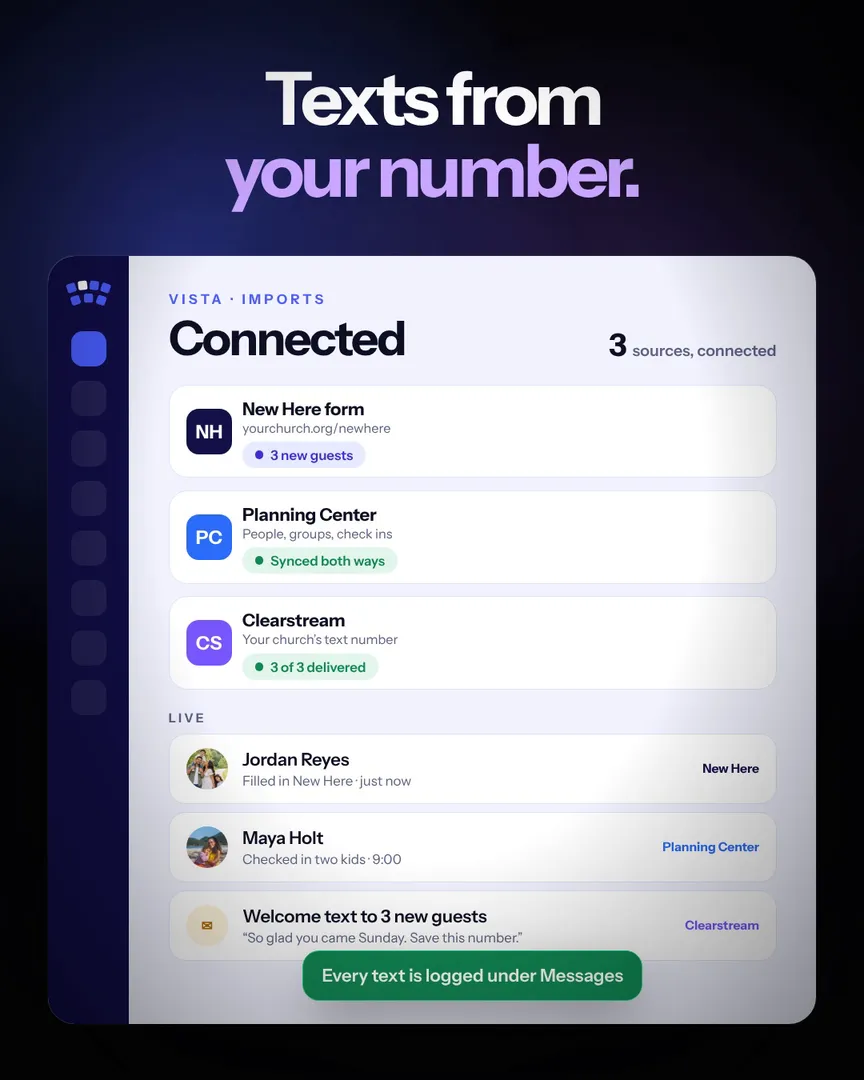
Both ways
Planning Center stays the source of truth for who people are. Check off a workflow card in VISTA and it moves on in Planning Center. Ministry leaders, Tap in check ins and people who have moved on go back too.
Your leaders keep working in Planning Center the way they already do, and nothing gets typed twice.
One
The New Here welcome lands in VISTA.
Two
VISTA finds their Planning Center record and your staff confirms it.
Three
Serving and groups, placed by your staff.
Four
Workflow cards, leaders and check ins go back.
Yes, where it saves your staff a step: workflow cards, ministry leaders, Tap in check ins and people who have moved on. It links to the people you already have instead of making duplicates.
All of them.
They come into VISTA as tasks for the person the card is assigned to. Check one off and the card moves on in Planning Center.
No. Everything else works without it.
Keep going
The home page shows New Here, Planning Center and Clearstream working together. Then book fifteen minutes.